
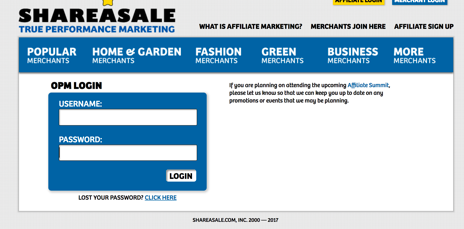
- Click on the following link: https://account.shareasale.com/m-login.cfm and fill in your Shareasale credentials. Then click login. NOTE: If you have an OPM account the login page will be: https://account.shareasale.com/o-login.cfm
2. On the new page click on the Tools page and the Merchant API link (see below).

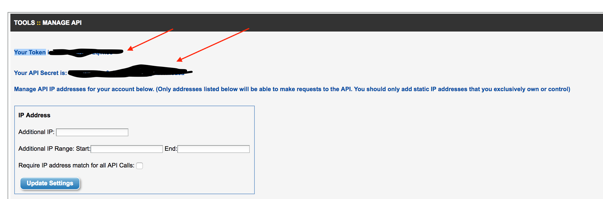
3. Gather the following information from the fields shown in the screenshot below:
- “Your Token”
- “Your API Secret”
4. You will need to insert our IP address on the same page (see below). Plug in this IP (52.37.118.25) and select Update Settings.
5. You will then need to gather the Merchant ID for each brand from the top of the main left sidebar (your account ID)

6. Get the Banner ID. This can be the ID# of any creative that does not expire.
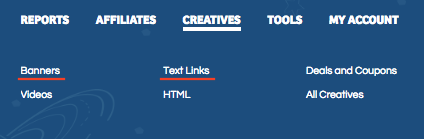
In your ShareASale account, go to Creatives and select either Banners or Text Links
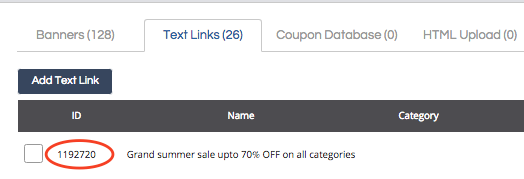
Once in the Banner or Text Link list, copy the ID# of any creative that does not expire.
**For multiple brand accounts, you will need to complete the steps above for each brand.
Comments
0 comments
Please sign in to leave a comment.