
If your Mediarails account is connected to a supported Partner network via API integration you are able to refresh up to the last 90 days of data using the re-sync feature.
How to Re-sync your Partner Network Data?
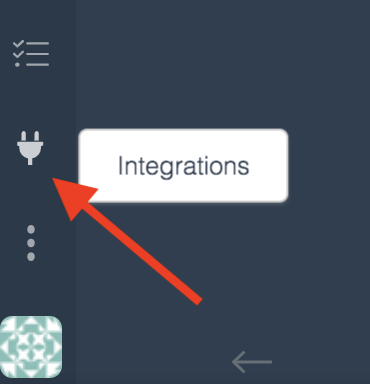
- Navigate to the Integrations Manager page by clicking on the little plug icon on the bottom left sidebar:
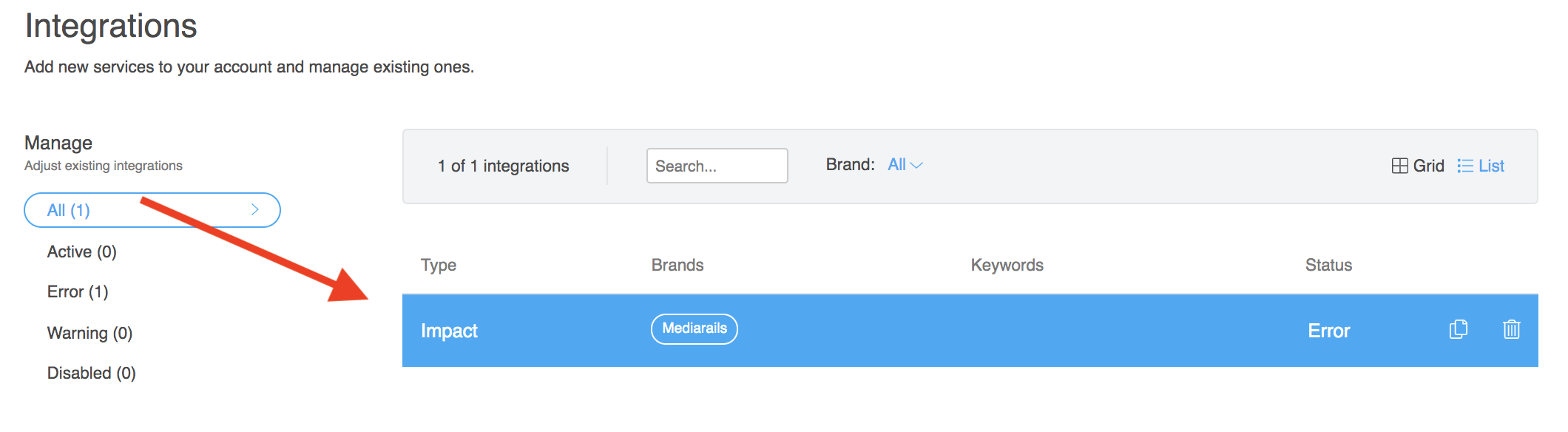
- Click on the desired Network Integration in the list
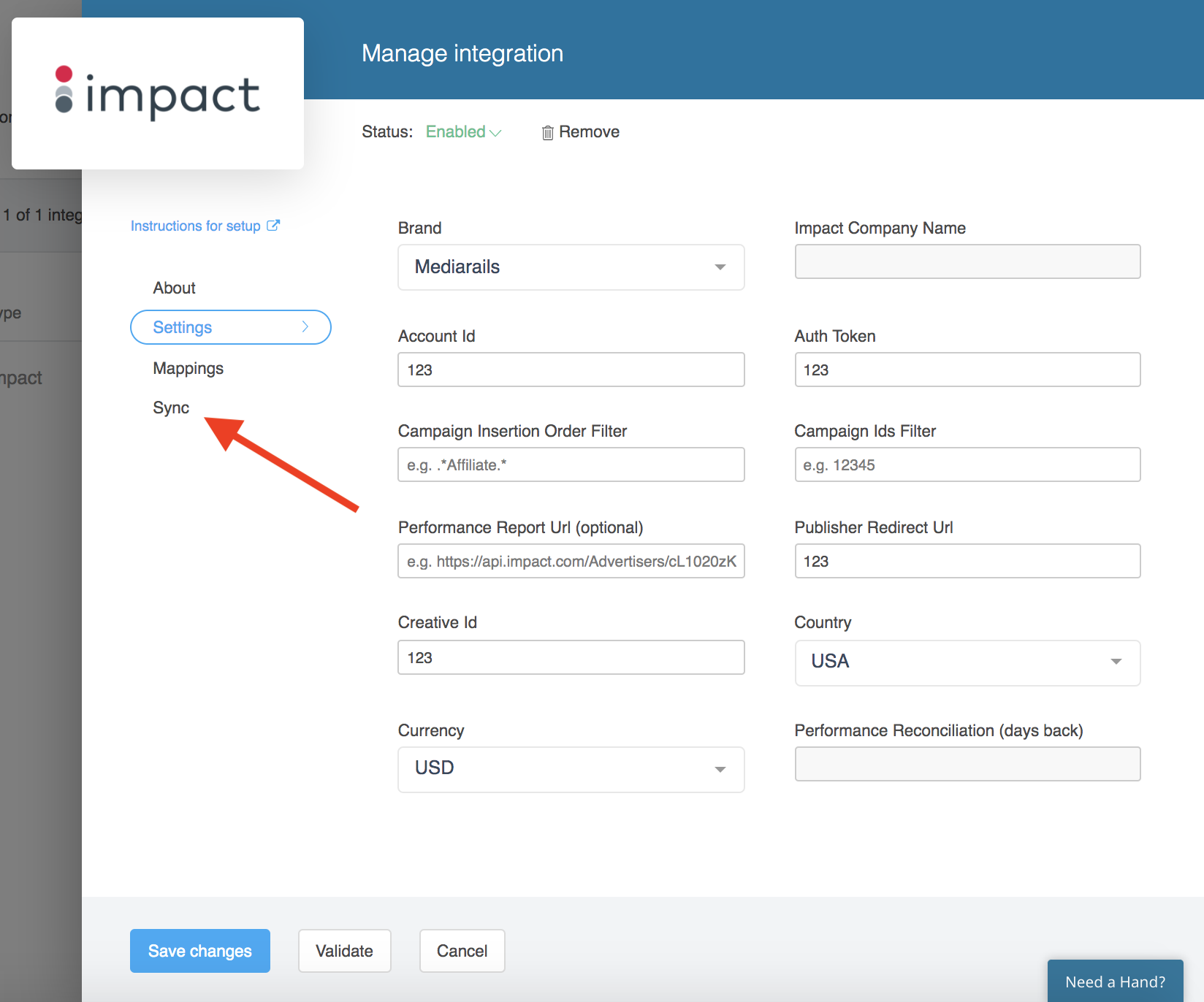
- Click on the Sync tab:
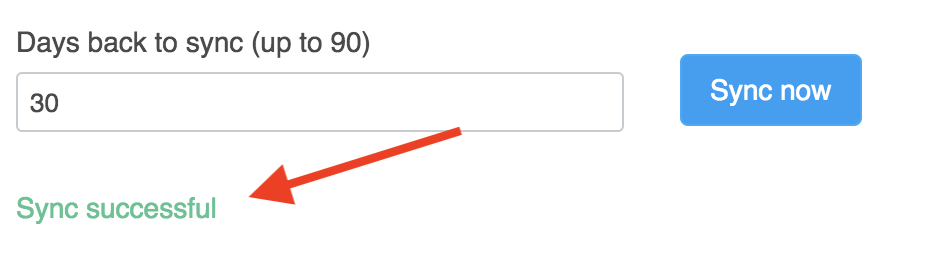
- Type in the number of days back that you would like to re-sync
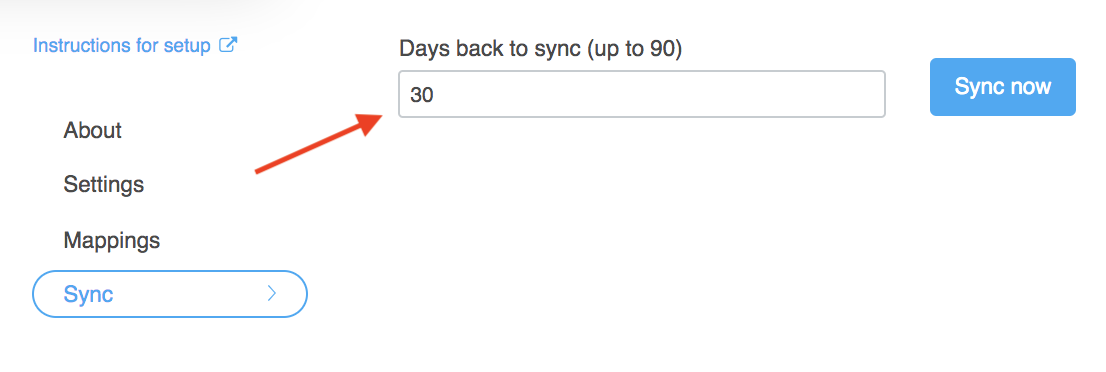
- Click the Sync now button and wait a moment
- Check to see if the message that pops up is confirming Success:
- If the sync failed, click on the Need a Hand? button on the bottom right of the screen to request additional assistance by submitting a ticket to our support team:

Comments
0 comments
Article is closed for comments.