
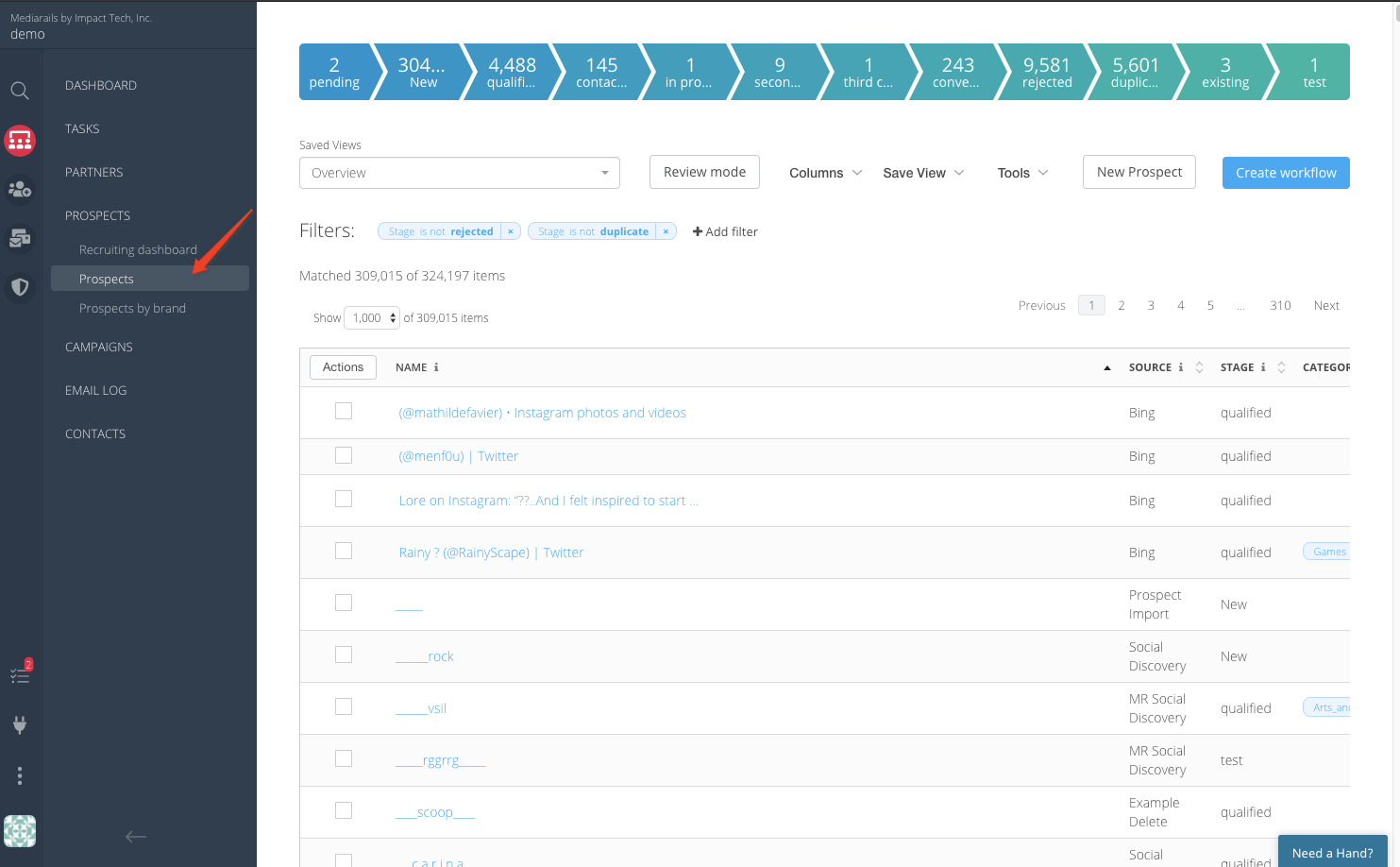
The Prospects section is a filtered view of your Prospects list for prospects that have not been rejected. There is a default for Stage is Not Rejected which removes those rejected prospects from the list you are viewing.
To view Prospects in a specific stage such as New/Contacted/Qualified, etc... click on the corresponding stage listed on the colorful stage bar at the top of the page.
You can easily sort and filter in the list view just like you would in the Partners workspace, and can take bulk actions such as messaging prospects individually or in bulk, tracking replies and working leads through a conversion funnel.
See the video below for an overview of using the Prospects list view:
Comments
0 comments
Please sign in to leave a comment.