
The Partners workspace is mainly used by agencies and multi-brand customers.
This workspace gives you one Partner record that shows all brands and networks associated to it, as opposed to individual listings for each brand and network as in the Partners by Brand workspace.
This is an essential view for multi-brand or agency users to uncover opportunities for cross-brand recruiting, or to collaborate with team members, or communicate with the Partner about all brands they promote at once.
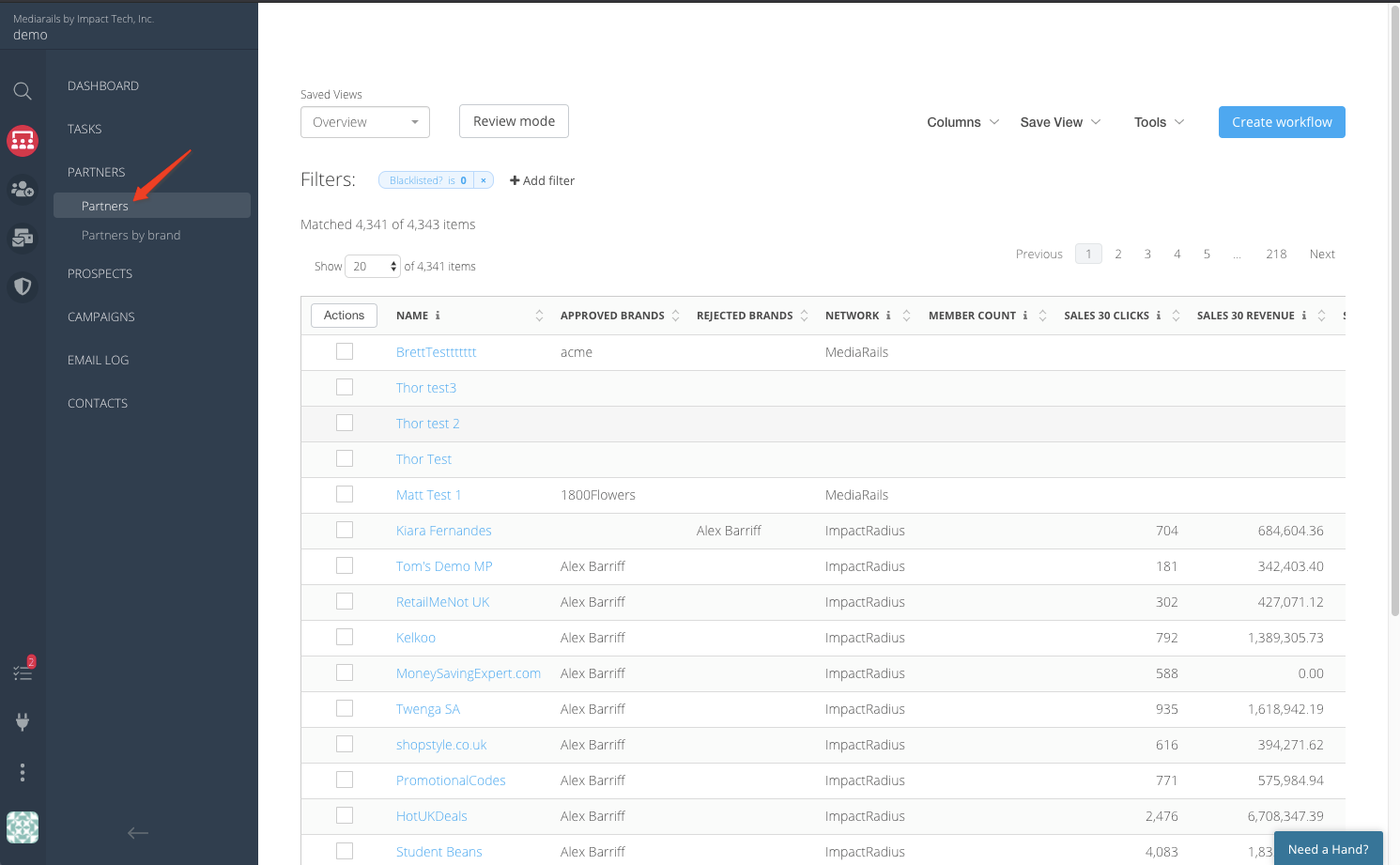
You can think of this record as your "master" Partner record where information from the individual brand-level records rolls up. When you drill into the detail page of the Partners you will see a Partner tab that lists all of the brand-level associations in the master record.
Keeping everything organized:
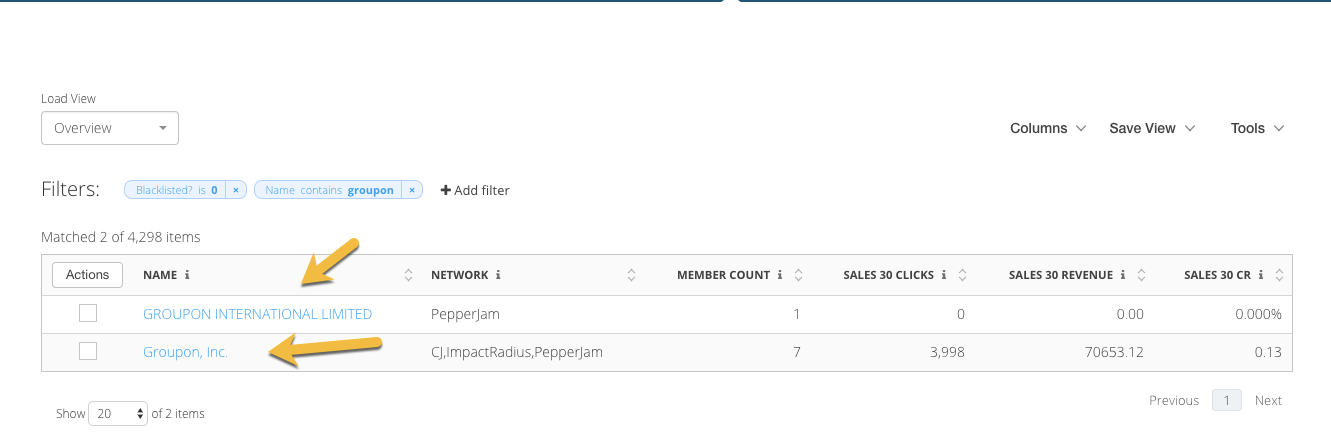
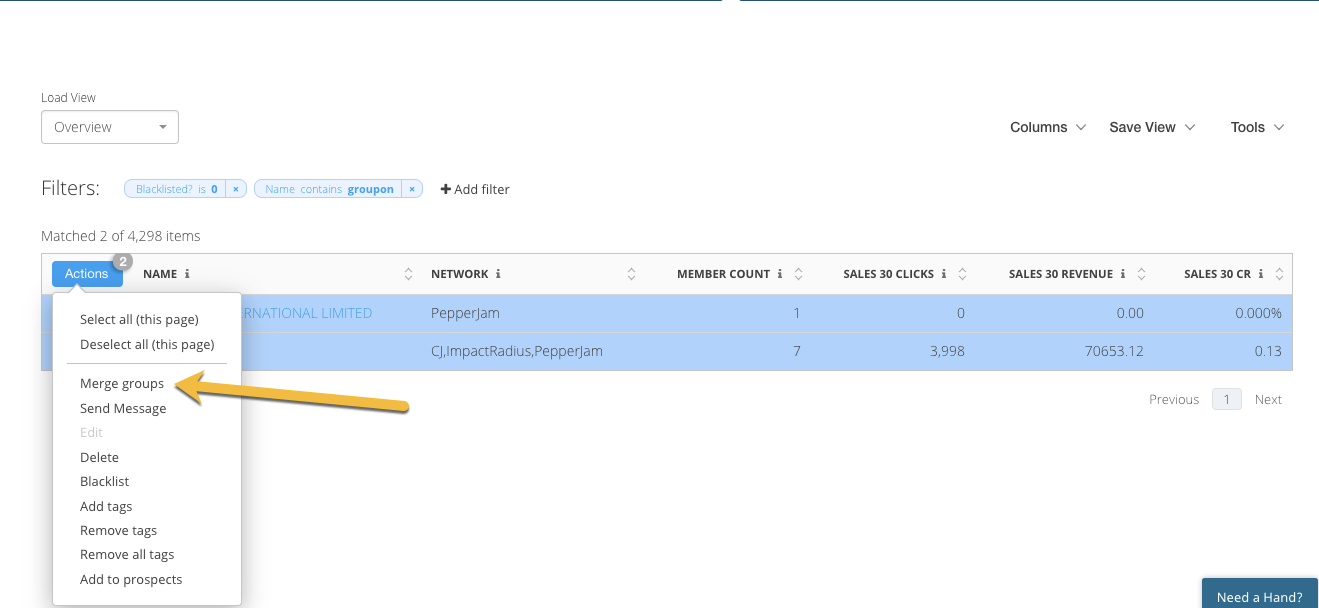
If you find that there are a couple different Groups that are for the same Partner but they did not get automatically linked then you can and should Merge these together using the Merge Group Action in the Partners list view. See below:
Creating Prospects using Partners: LINK TO ARTICLE
Comments
0 comments
Please sign in to leave a comment.