
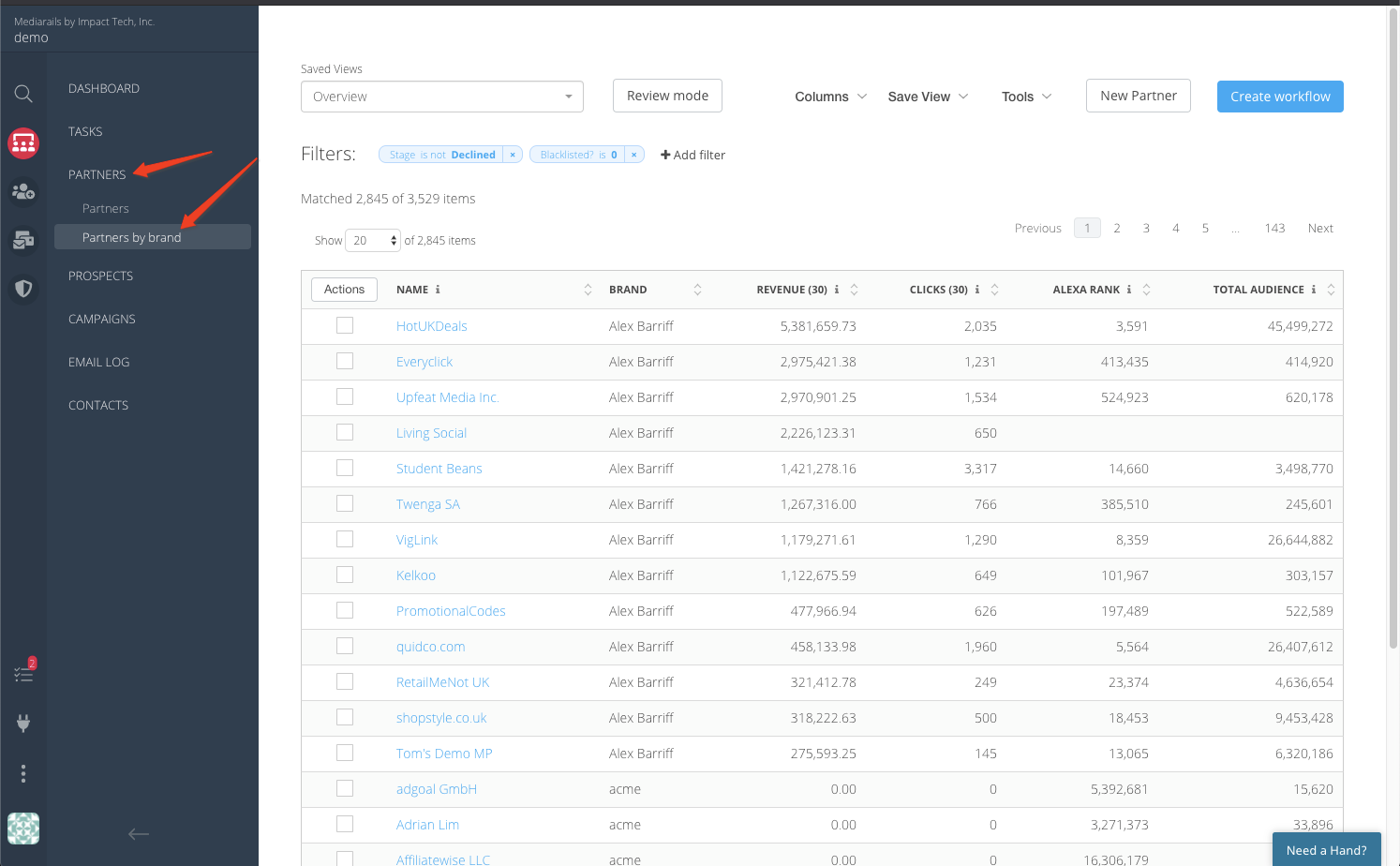
Partners by Brand is the single view of all the partners in your program. These are generally populated and updated via the Network integrations you have created in your account. You can also manually add records to this list to manage relationships outside of your networks.
Using the Partners by Brand list view, you can easily sort and filter to make more targeted segments and email Partners 1-by-1 or in bulk. You can select to view and filter on data from dozens of columns. You can save views to come back to and view the same group of Partners at any time.
You can use a system of user defined tags (created in Settings) to help you tag your records to create more grouping options as well. For example you could tag all of your "content sites" or "Influencers" to easily filter to those partners and send the group a message.
Comments
0 comments
Please sign in to leave a comment.