
Mediarails has a general search function located in the upper left corner of the tool under the magnifying glass icon.
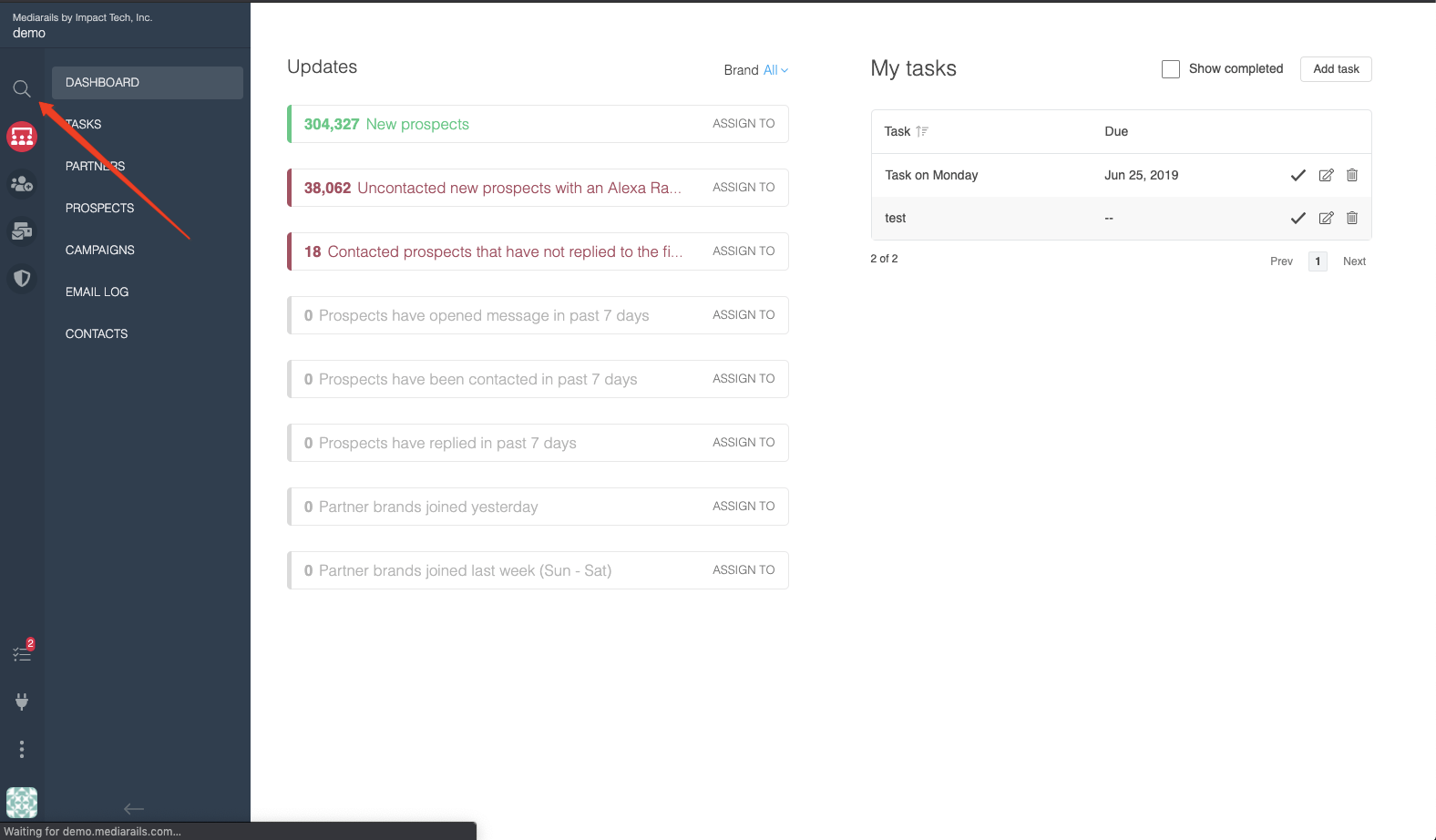
This feature allows you to type in keywords, email addresses, websites or really anything that would be an identifier of a record and it will pull back 10 results for both Partners and Prospects. The search is based on as little as 3 characters. (See below for an example)
You can click on these results and they will open into a new tab so you can check multiple results without loosing your place.

Comments
0 comments
Please sign in to leave a comment.