
You may run into cases where you have a contact that does not want to be contacted in the future. In these cases you can set their contact record to Do Not Contact to prevent further emails as well as noting it for yourself in the record that this is not a good contact.
You can do this from the Partner/Prospect workspace by selecting the record in question and editing the contact record to the Do Not Contact status.
Step 1: Navigate to the respective workspace in Mediarails (Partner/Prospect/Prospect by brand/Partner by brand) and click the Name of the record to go to the record's detail page: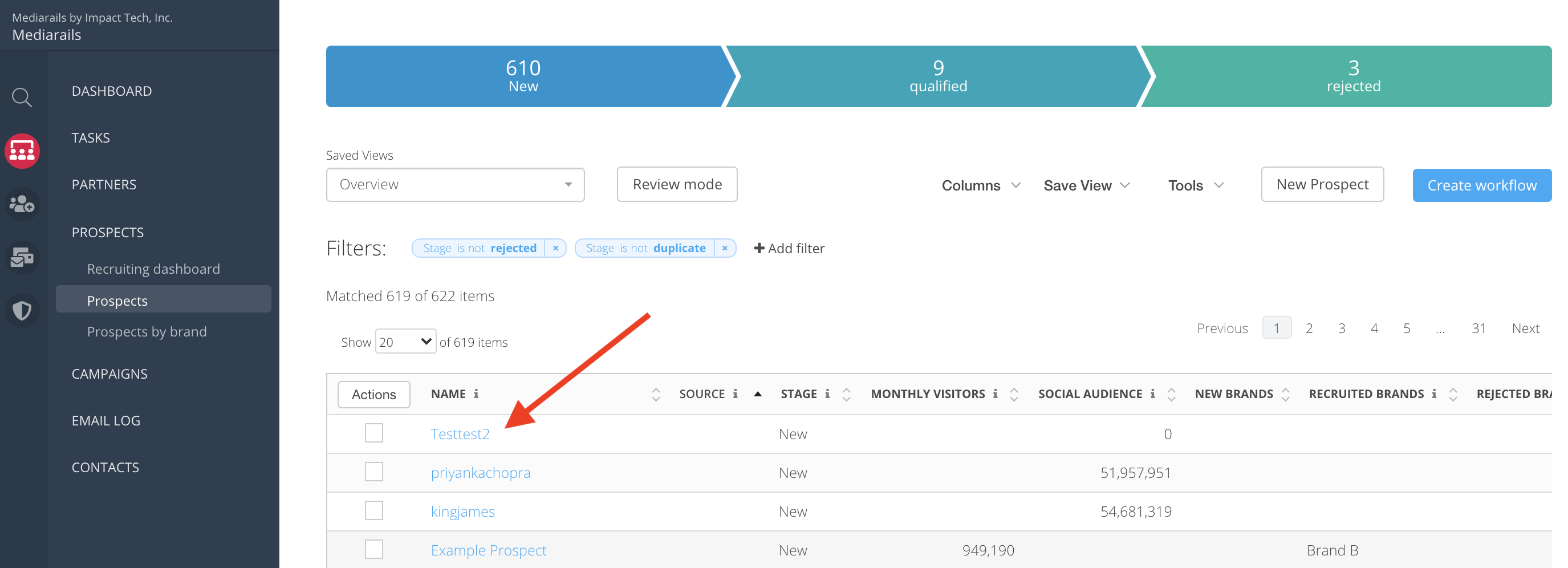
Step 2: Select Edit from the 3 dot menu on the specific Contact on the right side of the page.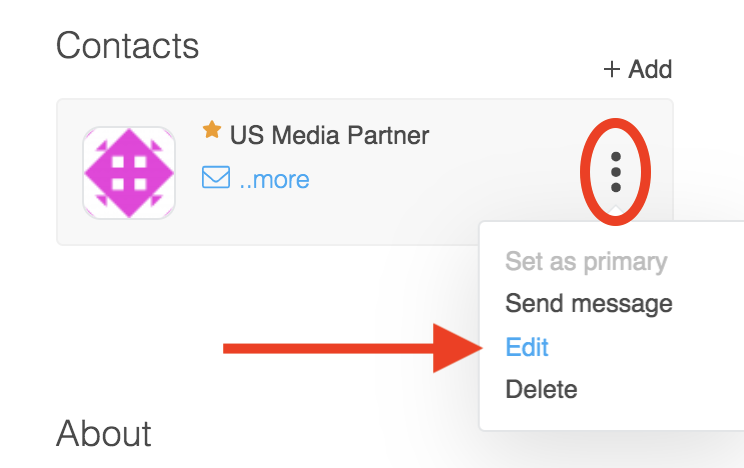
Step 3: Toggle the Do Not Contact option to the "on" position like shown below and press Save Contact on the bottom of the form.
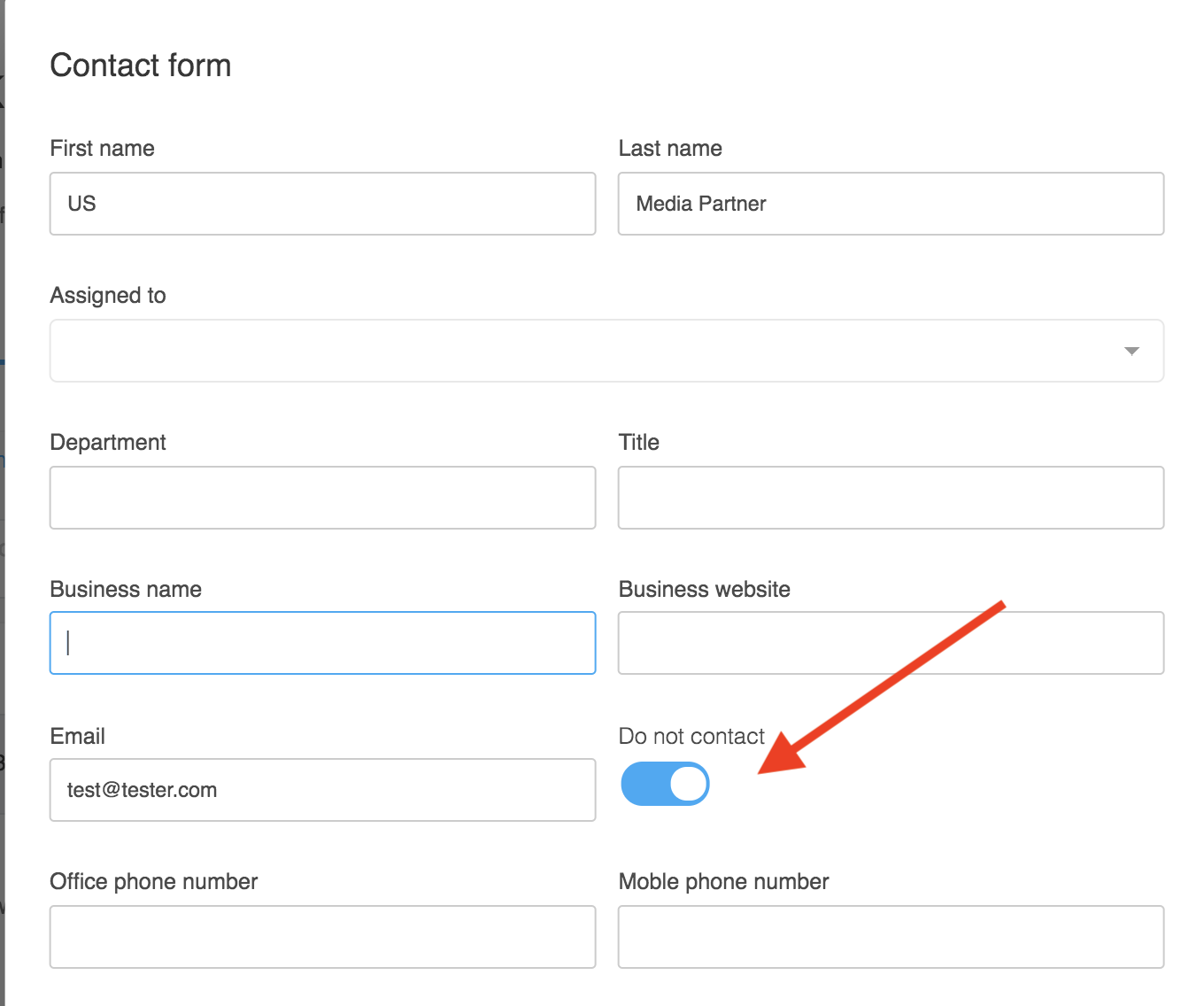
Now your contact will be marked with a red Do Not Contact flag: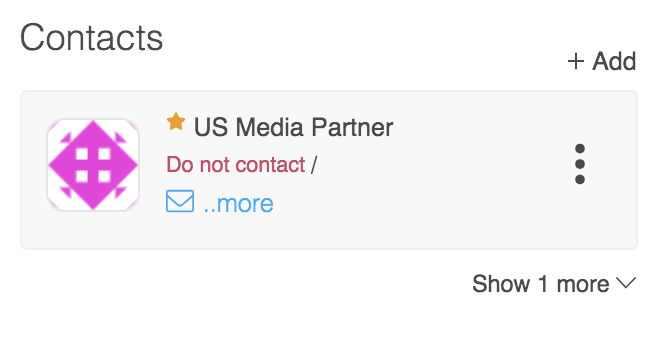
This contact will no longer receive emails from any user through your Mediarails account.
NOTE: if you have more than one contact you will want to set a different contact as the primary for future correspondence.
Comments
0 comments
Please sign in to leave a comment.