
Follow the steps outlined below to change your Mediarails password.
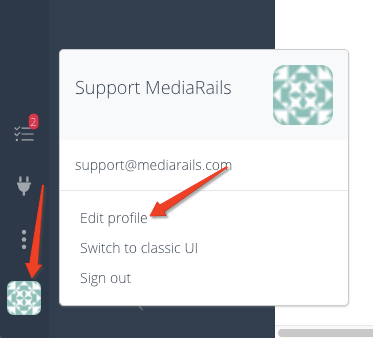
Step 1: Navigate to your profile by clicking on the geometric icon located in the lower left sidebar and select Edit profile.
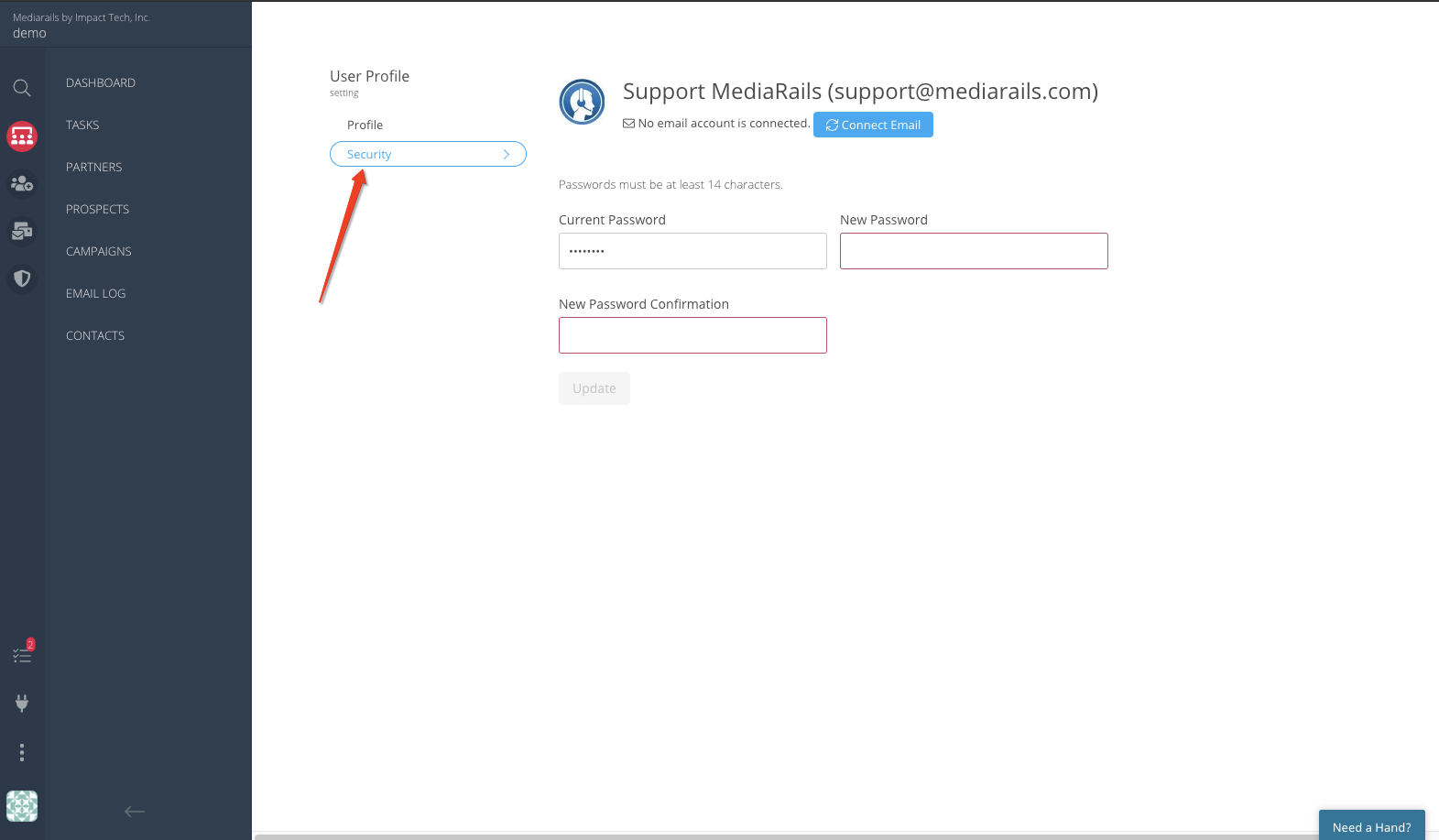
Step 2: Once in your profile, select the Security tab.
Step 3: Add your current password for user verification and then type your new password in the two boxes labeled New Password and New Password Confirmation.
- Passwords must be at least 14 characters in length
Comments
0 comments
Please sign in to leave a comment.