
The Newsletter feature allows you to send out newsletters or announcements to your contacts in Mediarails. You can schedule the start time, preview your email, and send test emails from within the Newsletter section.
Main Newsletter Page
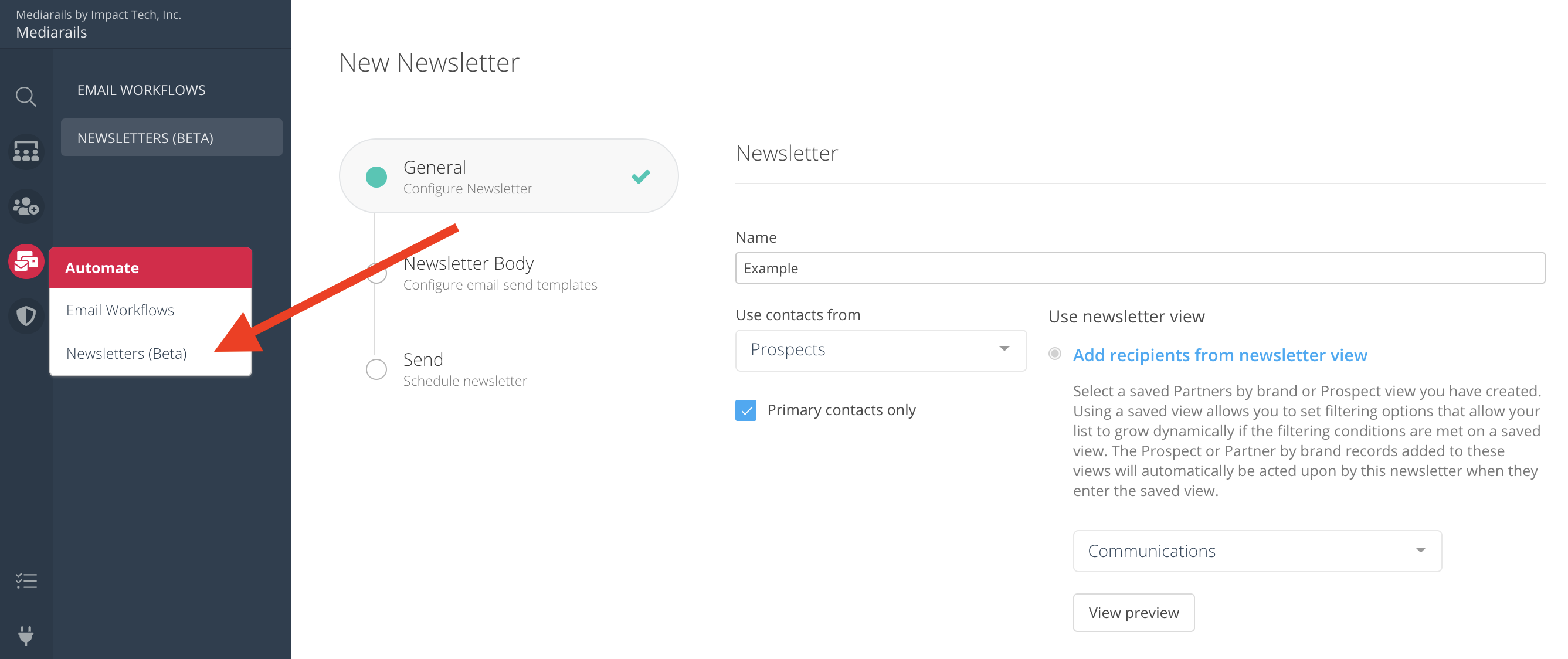
The main Newsletter page can be found in the Automate workspace by selecting Automate > Newsletters from the left sidebar, like shown below.
Setup a Newsletter
Enable or Disable a Newsletter
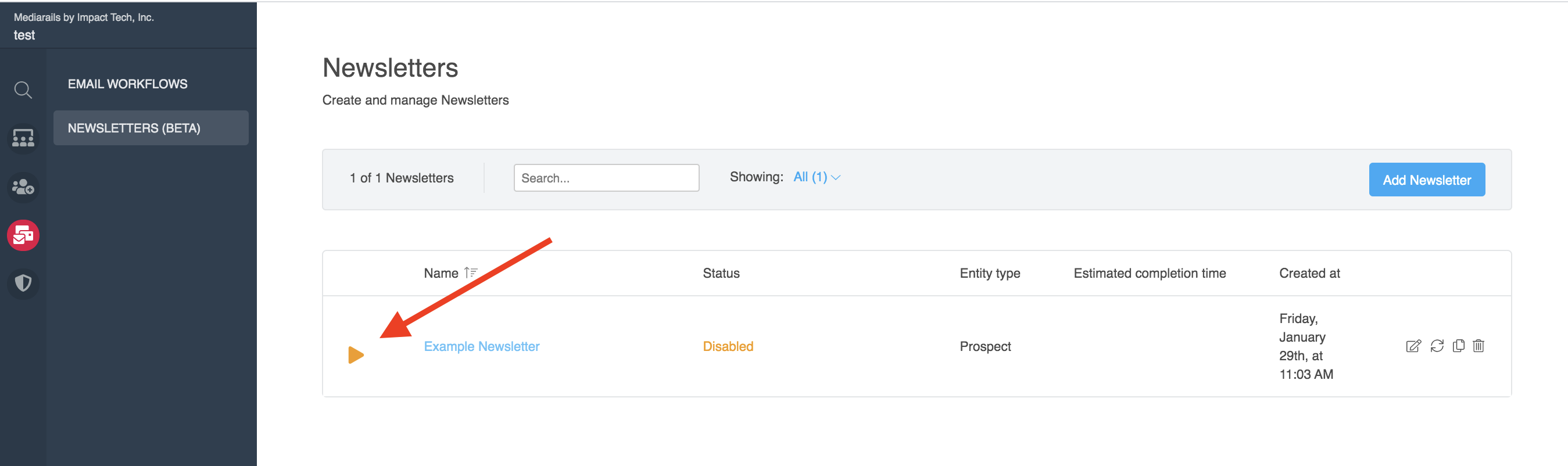
When you are ready to activate your email, select the Play button on the main Newsletter screen (see image below). To disable the newsletter, press the same button, which will look like a Pause icon on any active newsletters.
Newsletter Reporting
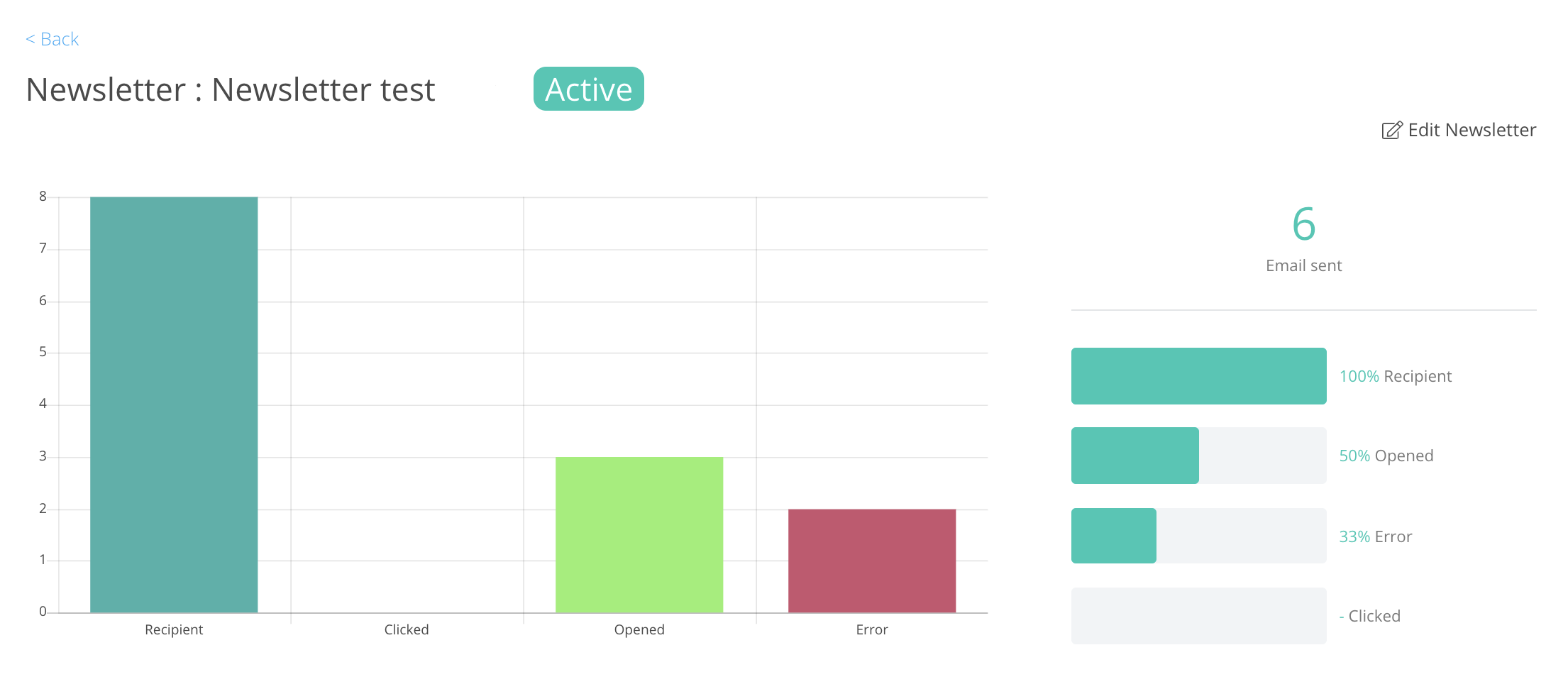
You can view the status & reporting page of a newsletter by clicking on the name of the newsletter, shown in blue text in the image above.
Managing Existing Newsletters
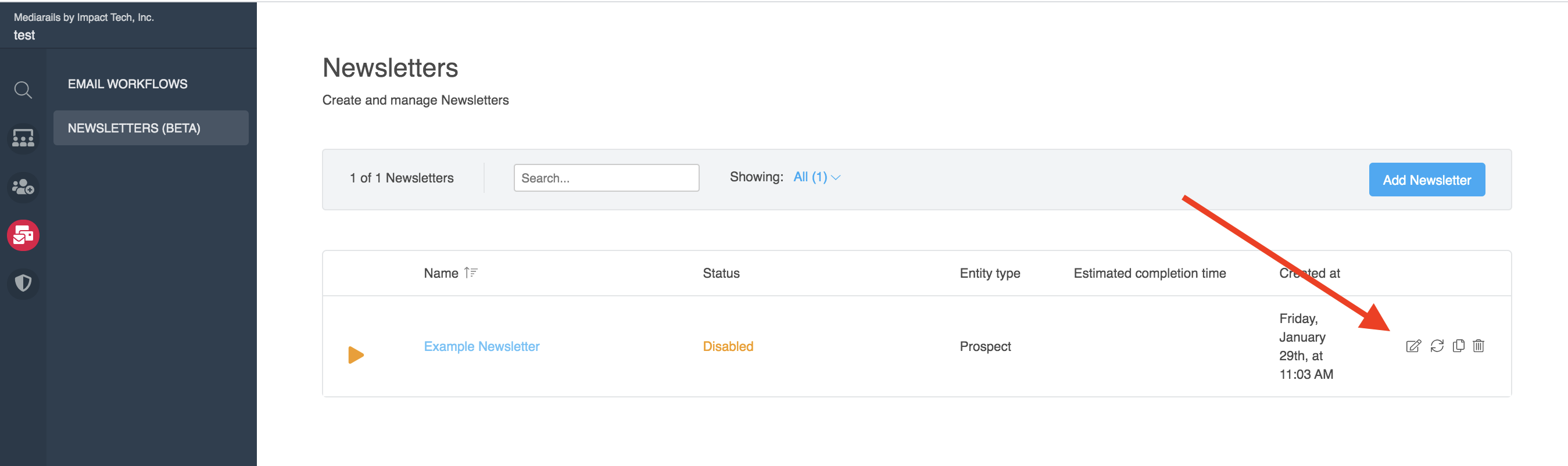
You can Edit, Clone and Delete your newsletters by selecting the Edit icon (little pen and paper), the Clone icon (doubled sheets of paper) or the Delete icon (trash can) on the far right of the record once it is setup.
Comments
0 comments
Article is closed for comments.