
The Influencer Lookup feature allows you to lookup the stats of a specific Influencer.
By adding their Instagram handle to the search box, you will get back a report full of audience and demographic information. It is good to know that influencer must have followings of at least a few thousand followers to be able to pull in their data. In some cases Mediarails is able to pull in info for profiles with less followers.
The Influencer Lookup is located within the Mediarails Discover section. Navigate to the Discover section using the icons along the left sidebar like shown in the image below.
How to use the lookup?
To search for a specific profile, add the influencer's Instagram handle to the search bar at the top of the page and click the blue Find button to the right of the search bar.
- Do not add the @, you only need the text of their username handle
- For example: if you want to look up @theRock, you would type "theRock" into the search bar.
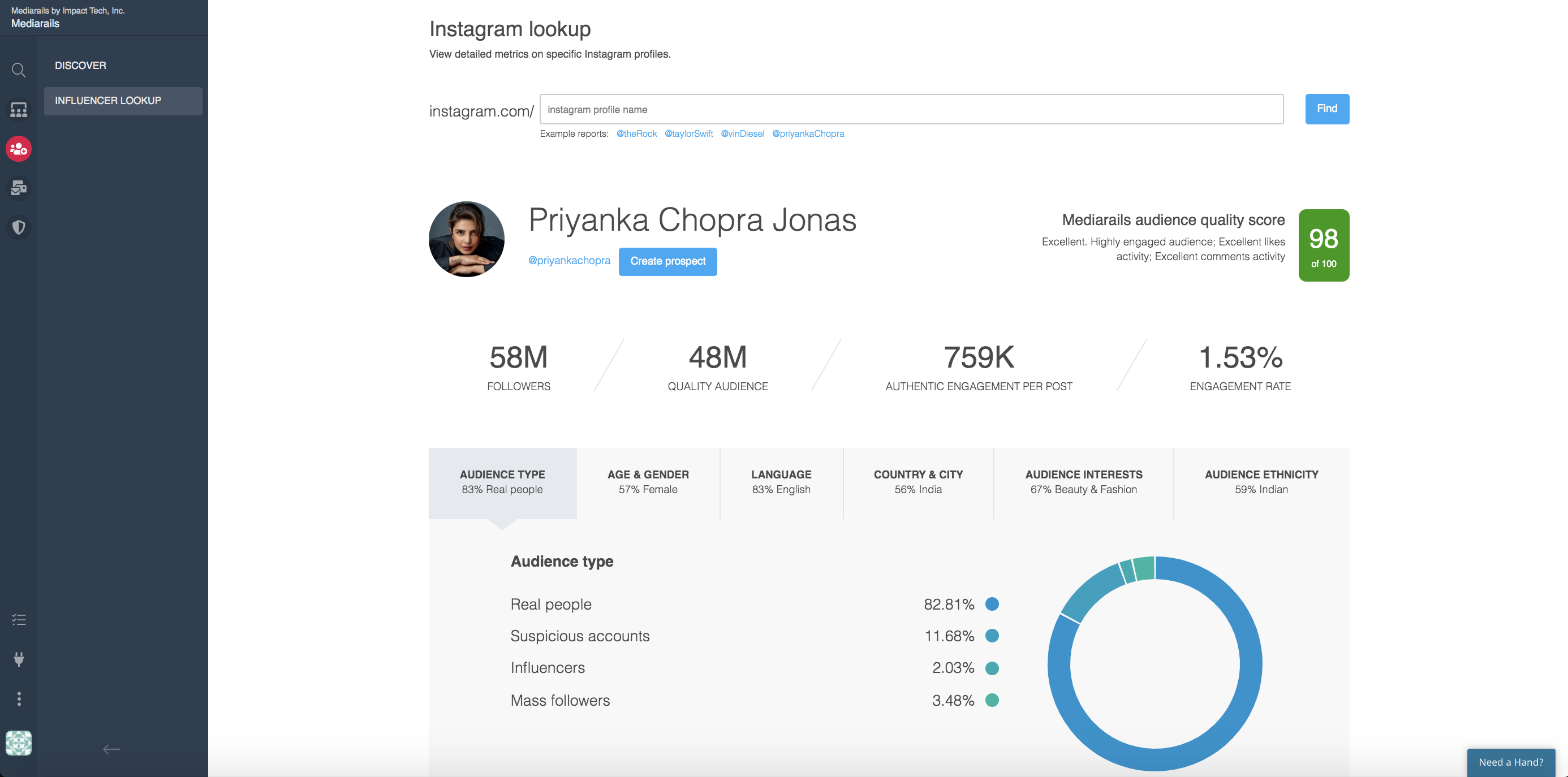
Mediarails Audience Quality Score
1-100 scale of Mediarails audience quality scoring. Shown in green in the image above on the right-hand side.
This score is taking into consideration factors such as authentic engagement, fake followers, and suspicious accounts.
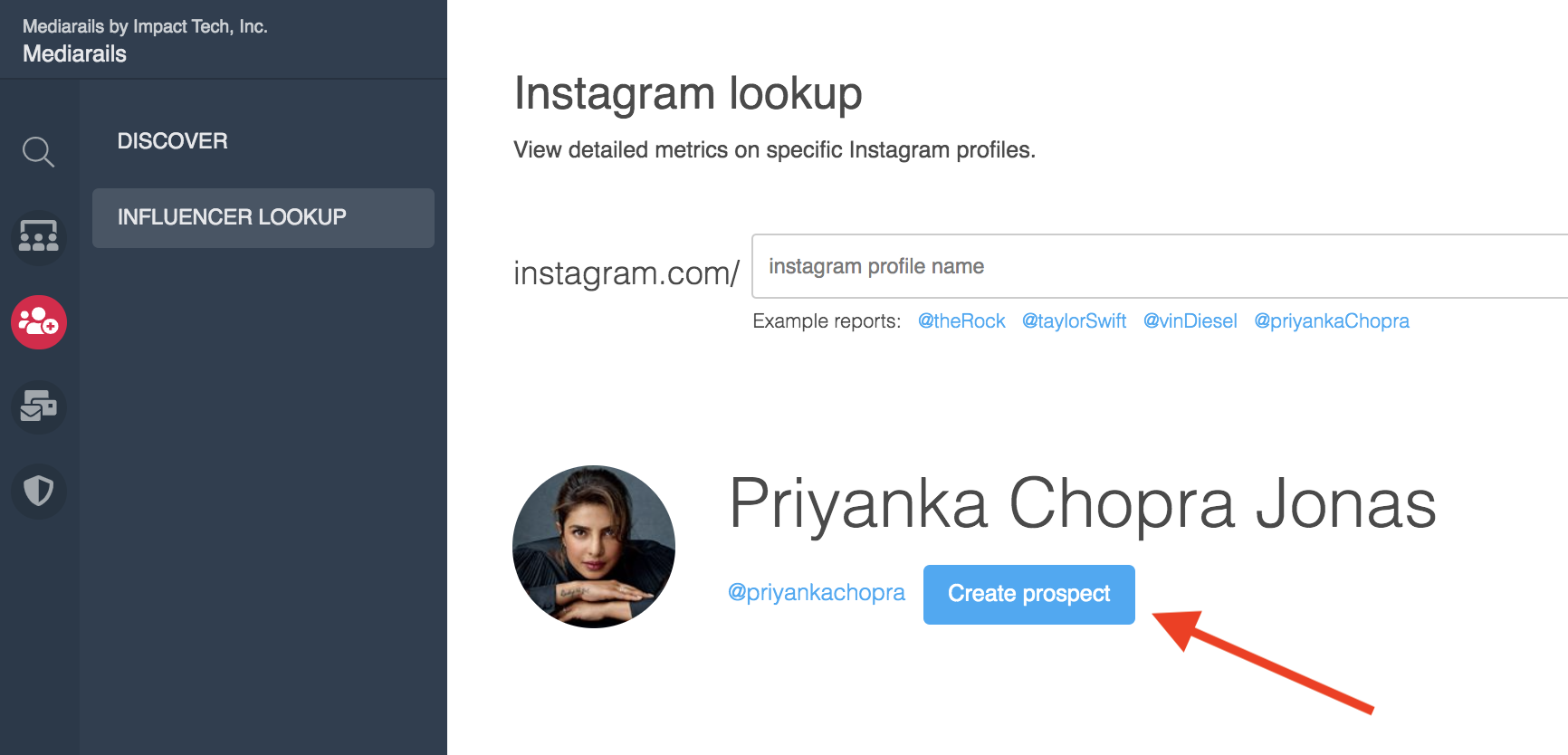
Create a Prospect directly from the Lookup
If you would like to add the influencer to your Prospects section to take further actions such as contacting them, click on the blue Create Prospect button beneath their name (as shown below). You can also add tags and brands to the new Prospect record using the form that appears after you click the button.
Audience Demographic Tabs
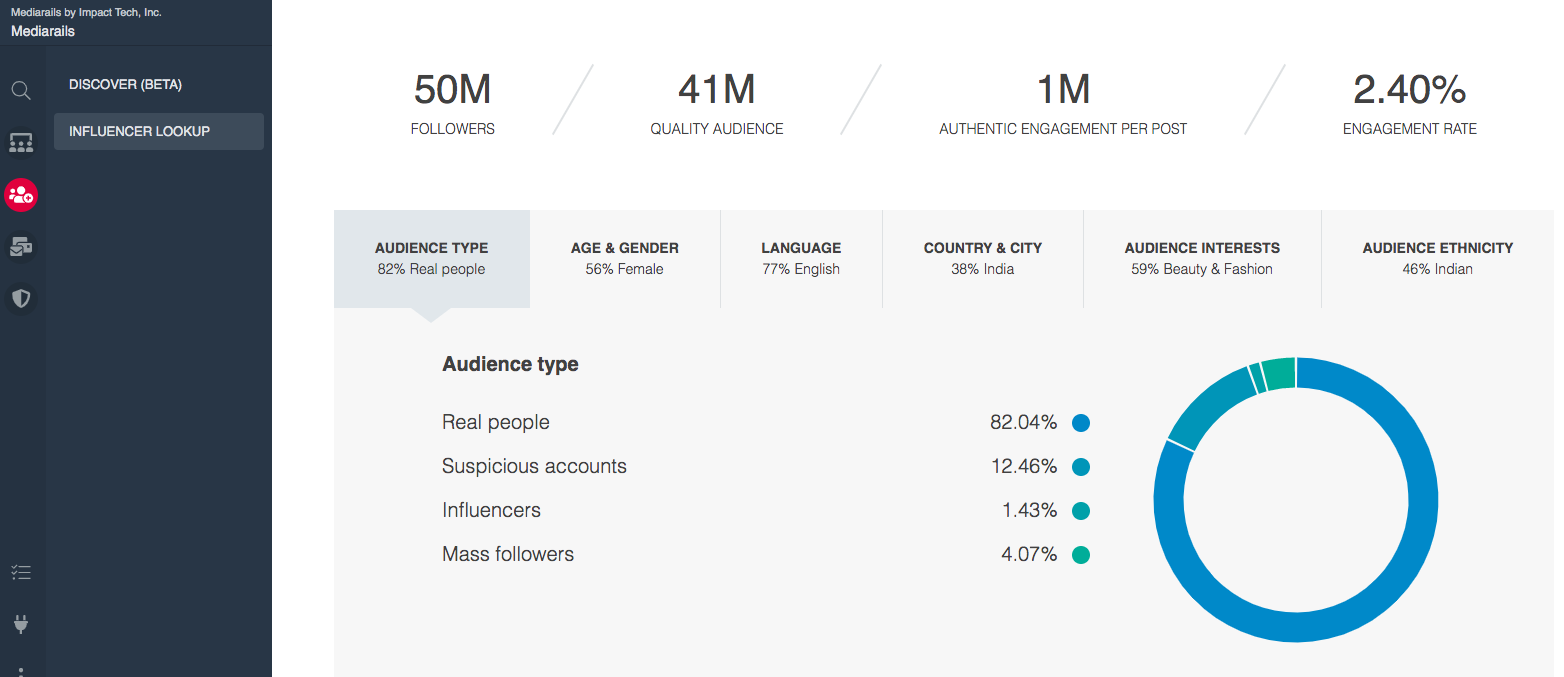
Clicking on the tabs in the middle of the page will provide stats on each demographic section including:
- Audience Type - real vs fake followers, suspicious accounts etc..
- For more information on fake and mass follower data see article here.
- Age & Gender - Audience demographics on age and gender
- Language - Audience demographics on language
- Country & City - Audience demographics on location
- Audience Interests - the most predominate interests of the Influencer's audience determined by mentions and accounts followed
- Audience Ethnicity - Audience demographics on ethnicity
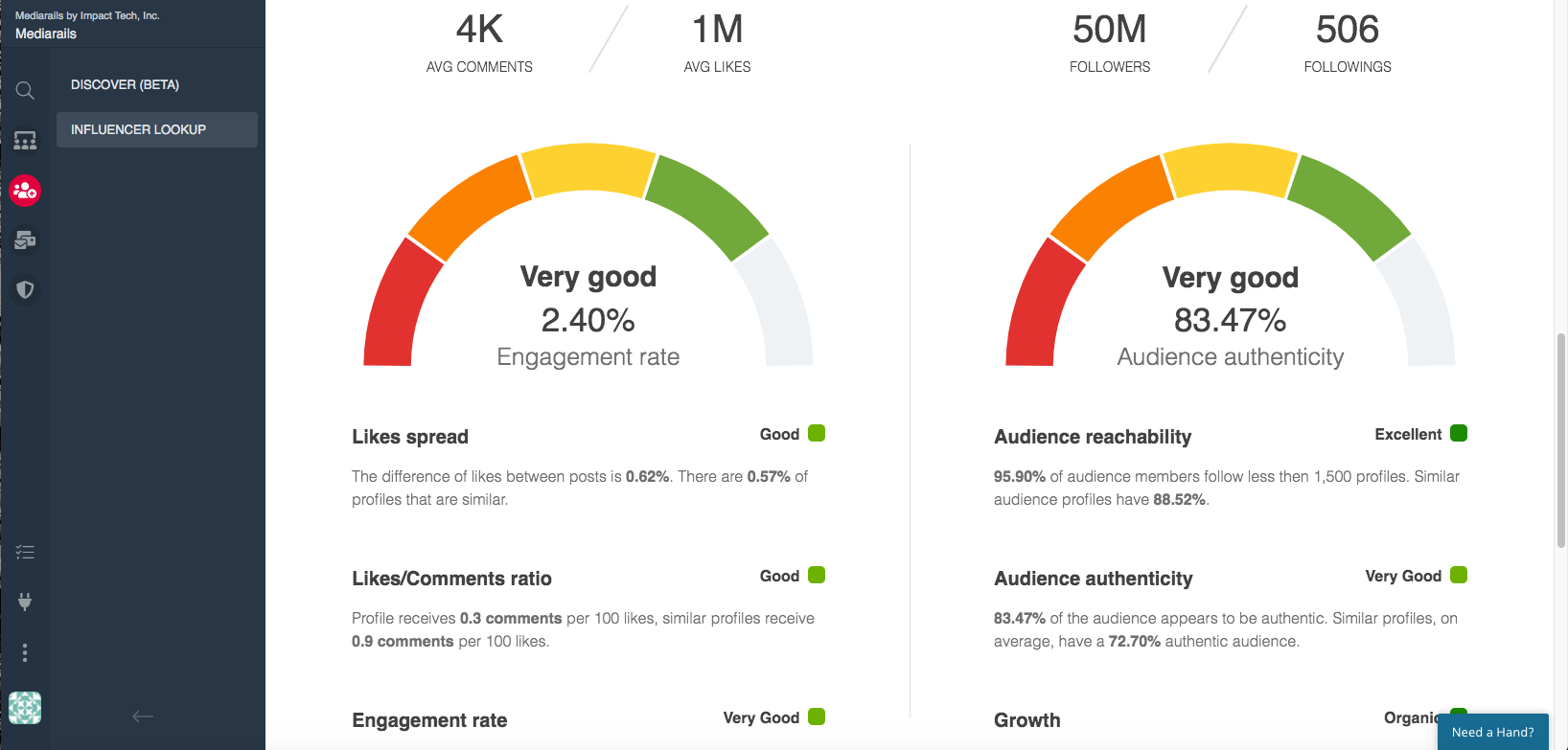
Engagement and Authenticity Overview
Scroll down the page to get to the Engagement and Authenticity overview. Here you will find quick stats on the Influencer's engagement and their audience's authenticity.
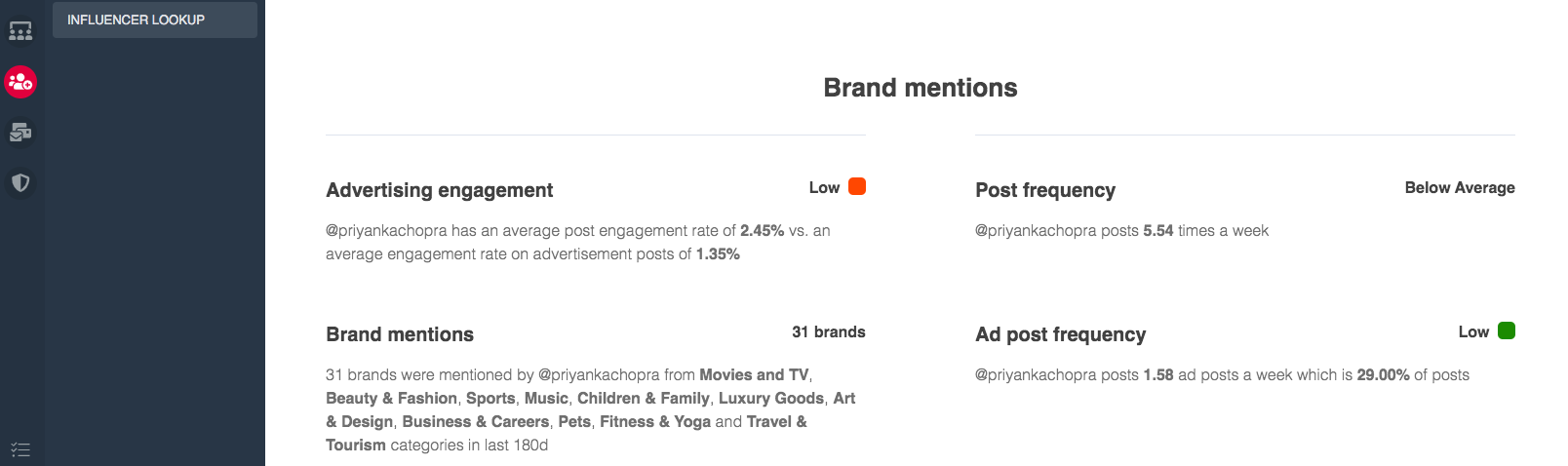
Brand Mentions
Scroll down to the bottom of the page to view the Influencer's brand mentions and advertisement engagement.
Note: If the system is not able to pull in any information it could be due to a low following. Influencers need a few thousand followers to register in our system. New searches may take a few minutes to process, so check back in a few minutes if there are no results immediately.
Comments
0 comments
Please sign in to leave a comment.