
To add your partner Placements to Mediarails you will first need to create a Campaign.
For more info on how to create campaigns see our guide on creating campaigns here. For instructions on adding activities (publishers) to a campaign, view our activity guide here. Adding Placements would be the third step of the Campaign process.
How to Add Placements to a Campaign
- Go to the Campaigns workspace:
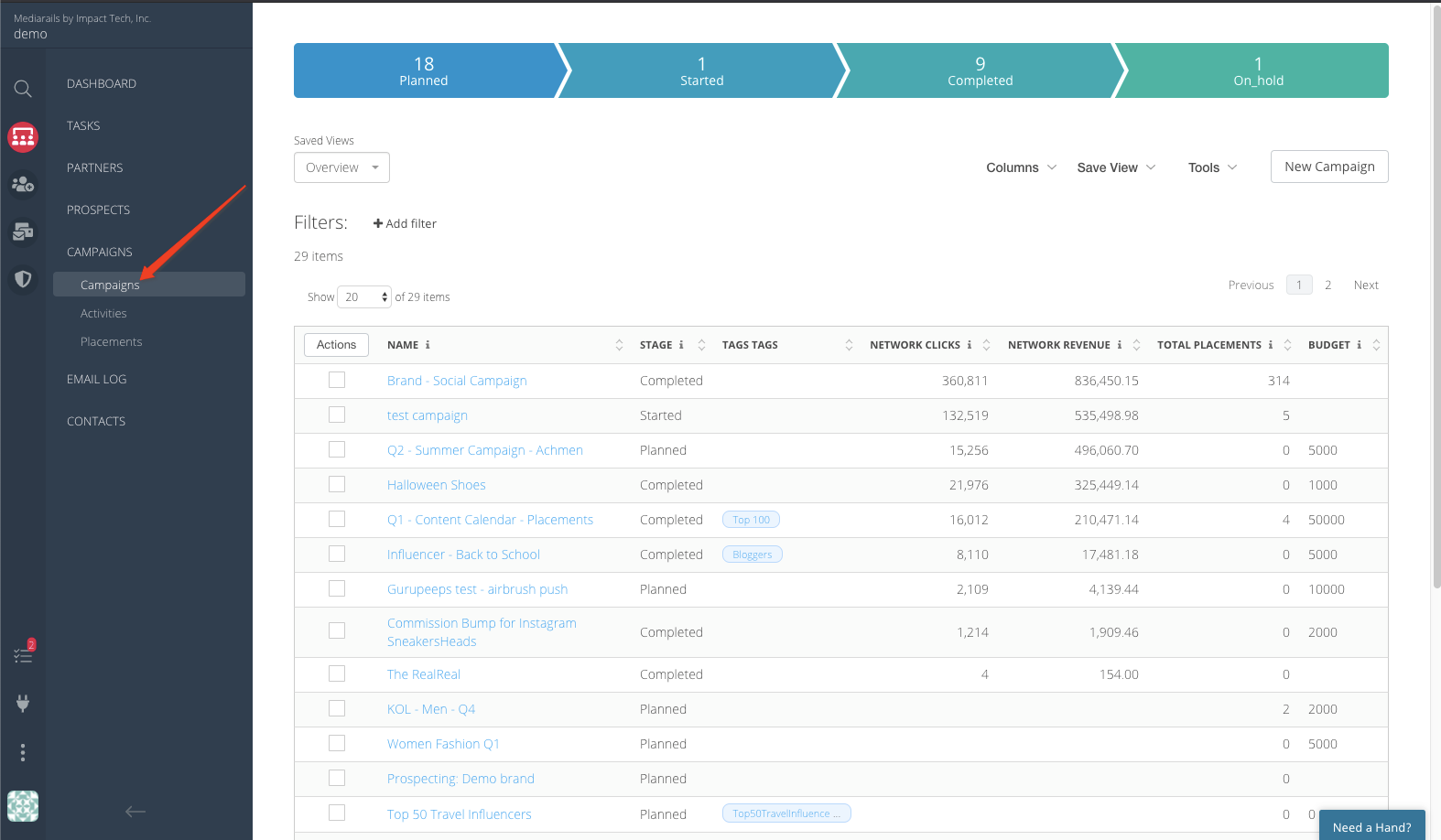
- Select the desired Campaign from the list by clicking on it's name (as seen above).
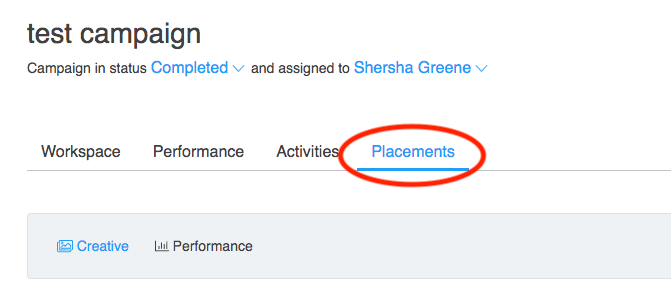
- Once the Campaign page loads, click on the Placements tab:
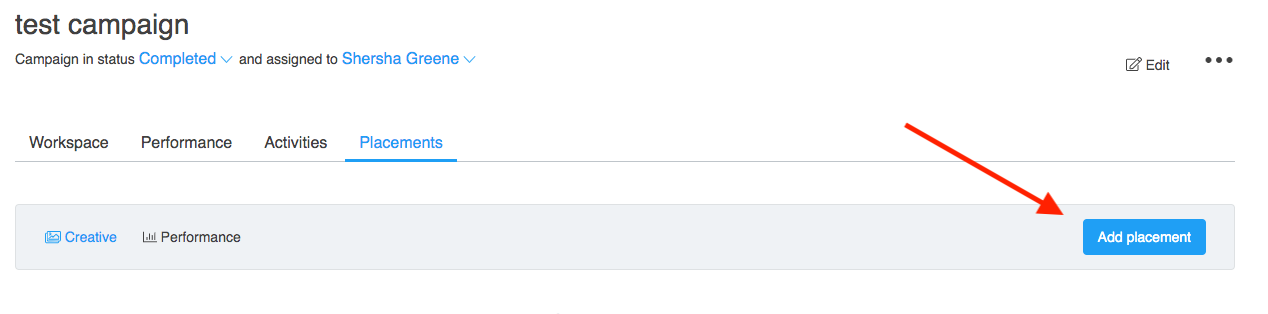
- Select Add Placement on the right:
- Fill in the Add Placement form that pops up:
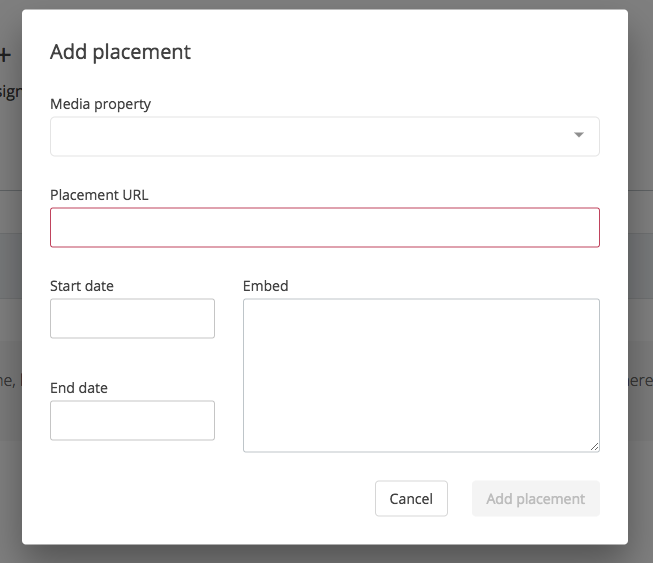
- Select the Media Property belonging to the record that will be participating in the campaign.
- Add the Placement URL, which is the URL that the placement is expected to be located.
- Add a start date and end date. This will usually coincide with the start and end dates of the campaign.
- Add the embed code if available. This will enable us to pull in a visual of the placement.
- Click Add Placement in the bottom right.
Now that you have added a placement, you will be able to find it on the Placements tab of the Campaigns workspace:
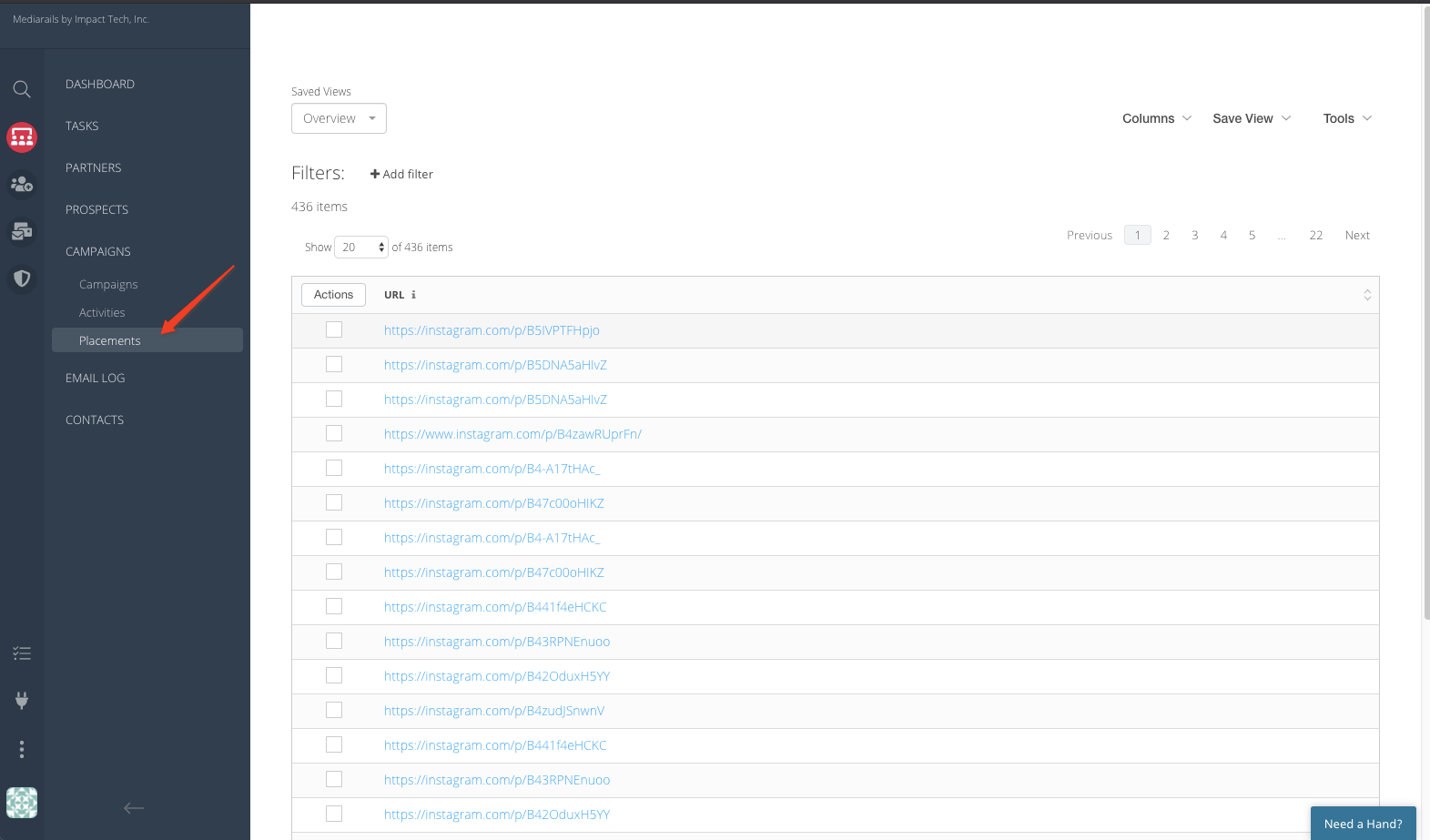
Additionally, you will be able to view your placements on each Campaign's page under the Placements tab: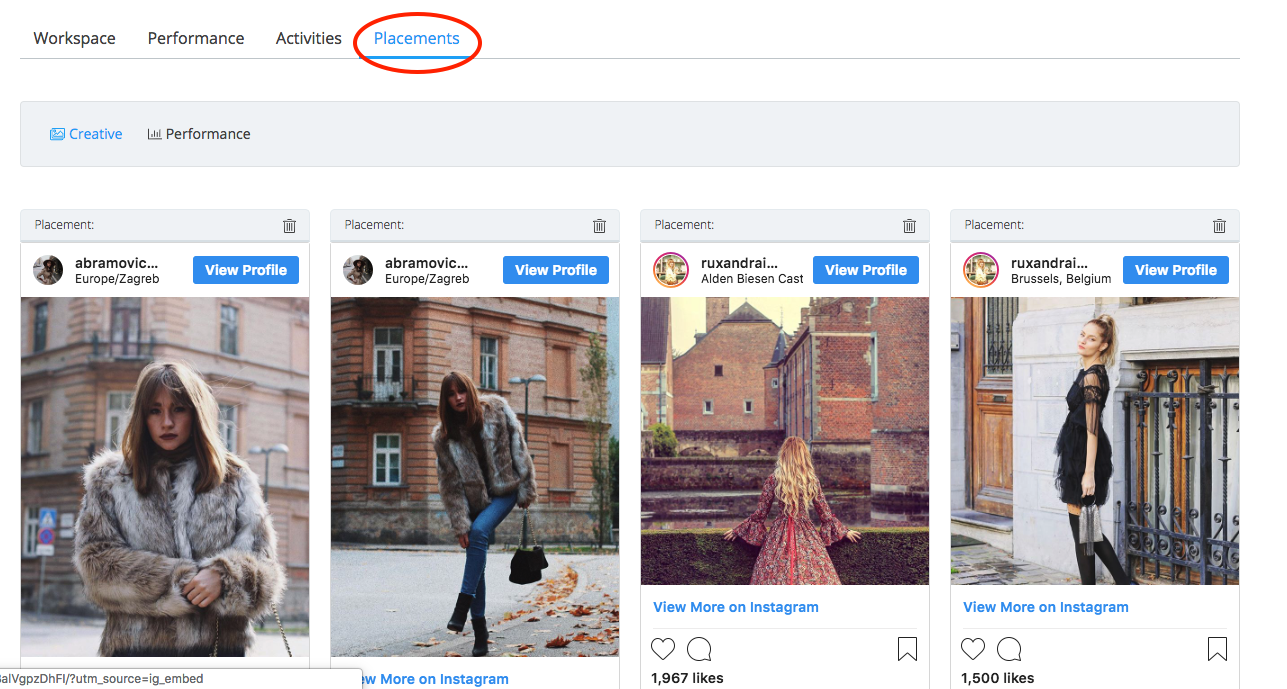
Comments
0 comments
Please sign in to leave a comment.